On-device TOTP engine
Scan an otpauth QR code or enter a Base32 secret manually. Codes are computed locally on the standard countdown — SHA-1, SHA-256 or SHA-512, 6 or 8 digits, custom periods.
TokenGuard generates TOTP verification codes entirely on your device. Shared secrets stay in Apple Keychain behind Face ID — and nothing leaves your phone unless you choose to sync or export.
Works with every service that offers TOTP-based two-factor authentication
Every feature is built on one principle — your codes belong to you, on your device.
Scan an otpauth QR code or enter a Base32 secret manually. Codes are computed locally on the standard countdown — SHA-1, SHA-256 or SHA-512, 6 or 8 digits, custom periods.
Shared secrets are stored in Apple Keychain, with account metadata kept in protected app storage under iOS file protection.
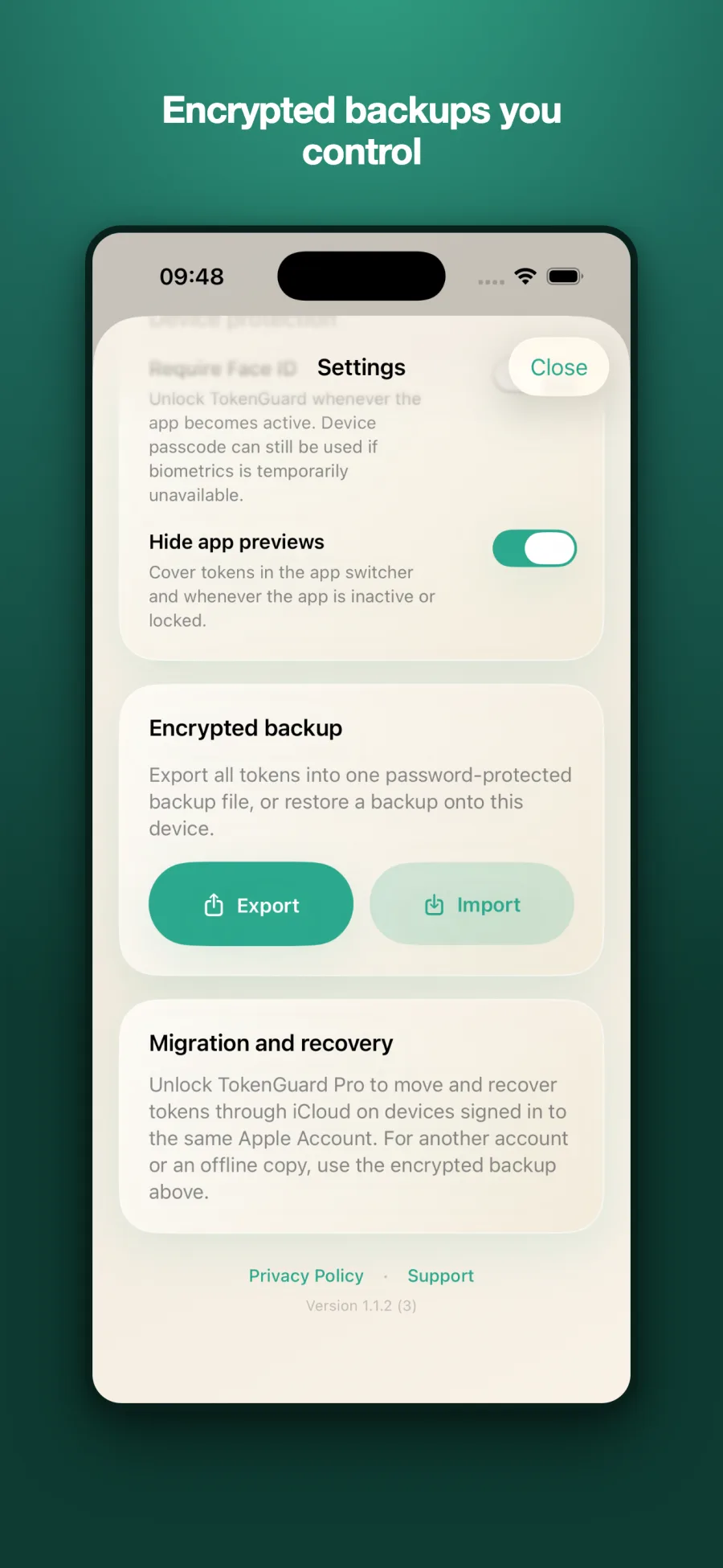
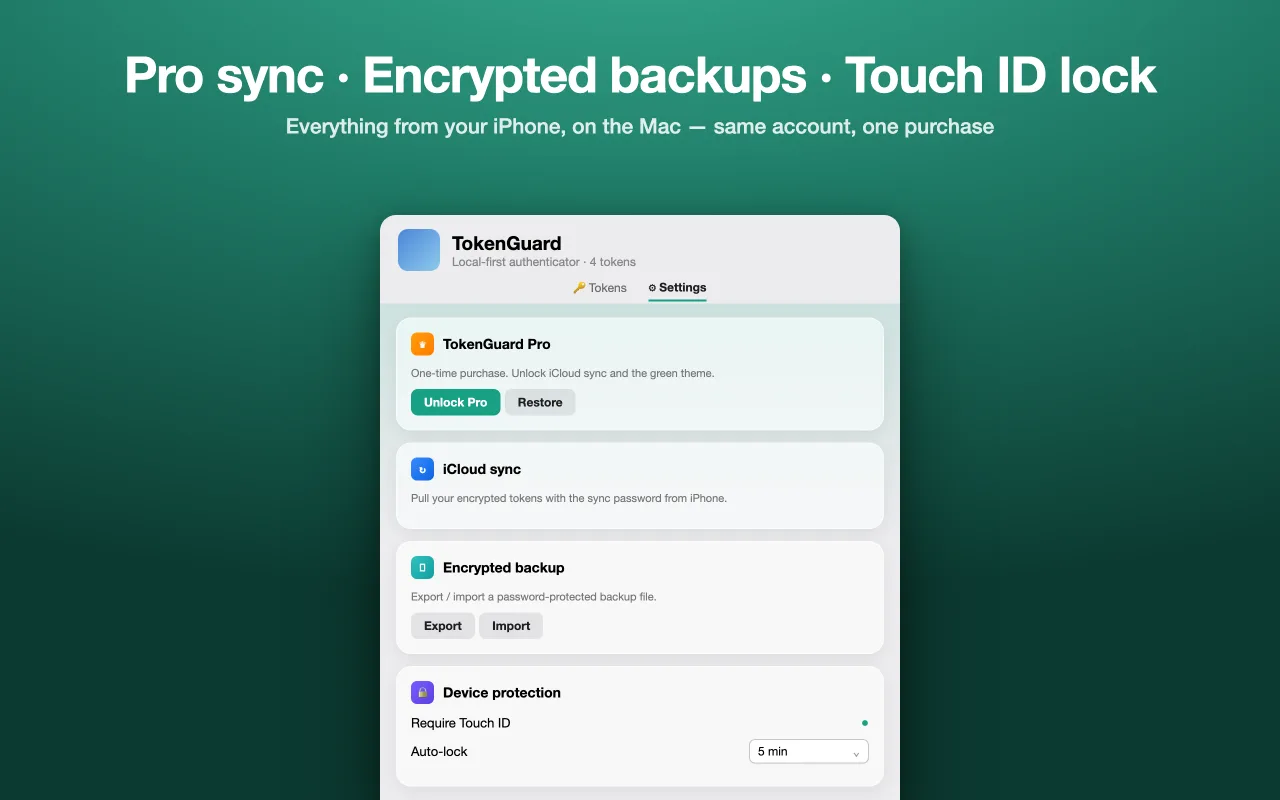
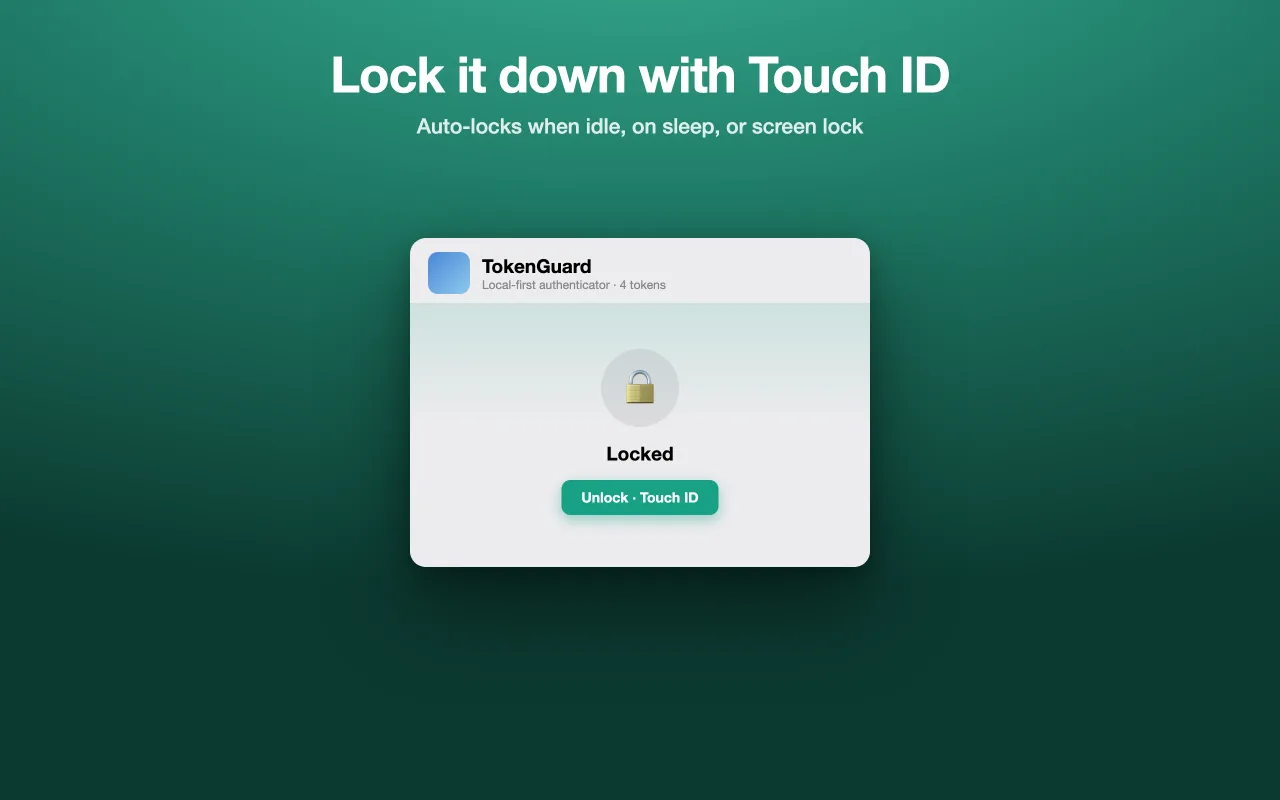
Unlock with Face ID, Touch ID, or your device passcode. App previews are hidden in the app switcher so codes never show up where they shouldn't.
Export all tokens into a single password-protected backup file and restore it on any device. The password is never stored — only you can open it.
A one-time purchase syncs encrypted token records — never live codes — through your private iCloud database, across devices on the same Apple Account.
Glance at your codes right from your wrist. Tokens sync only between your own paired devices.
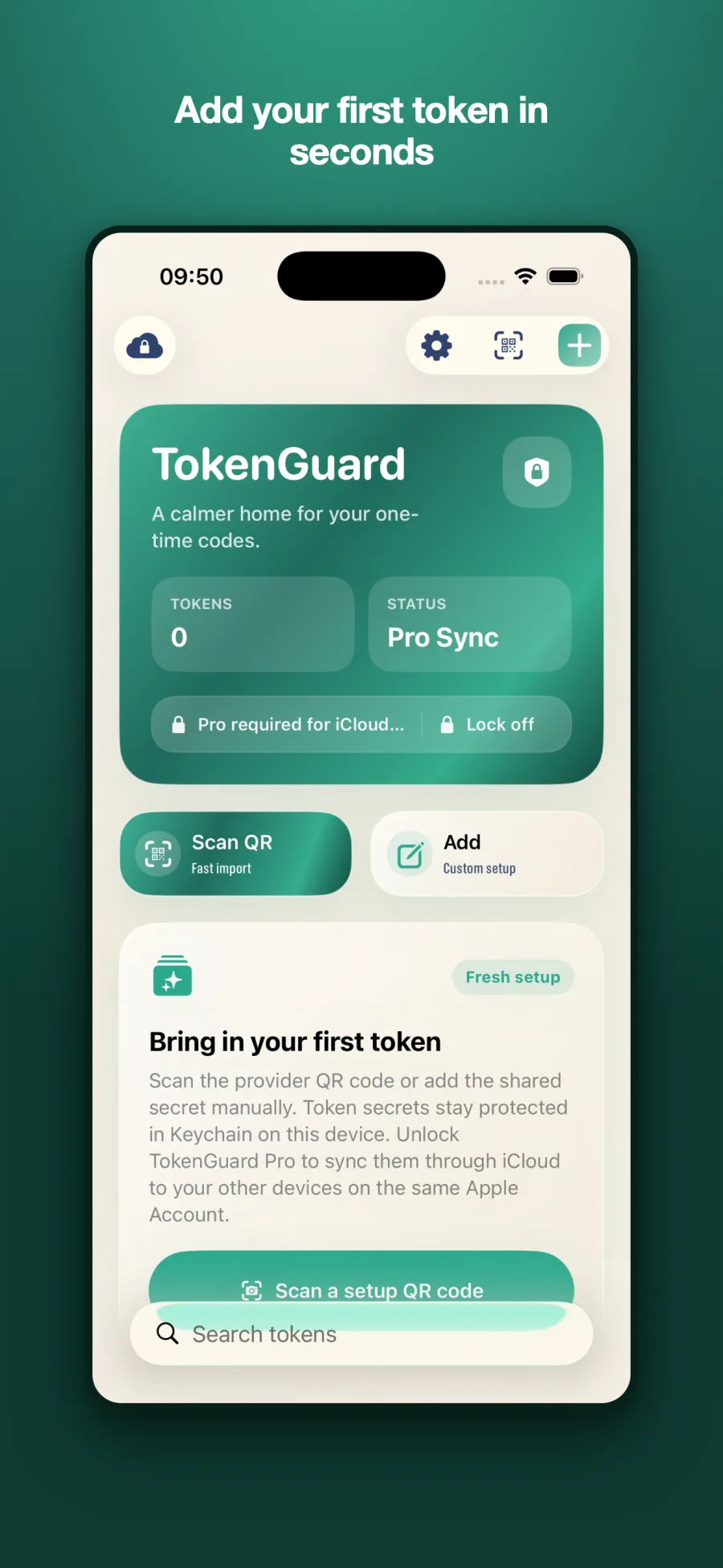
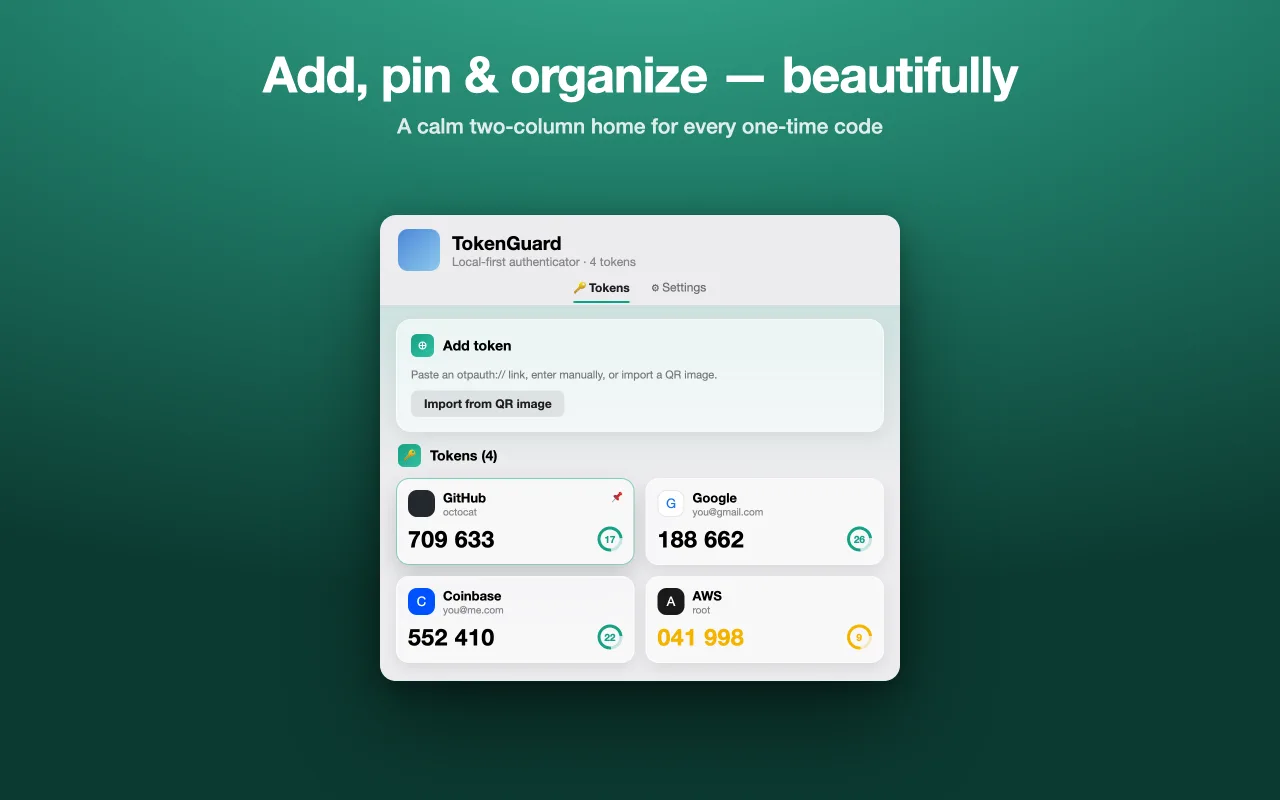
Scan the provider's otpauth QR code, or add the shared secret manually with custom digits, period, and algorithm.
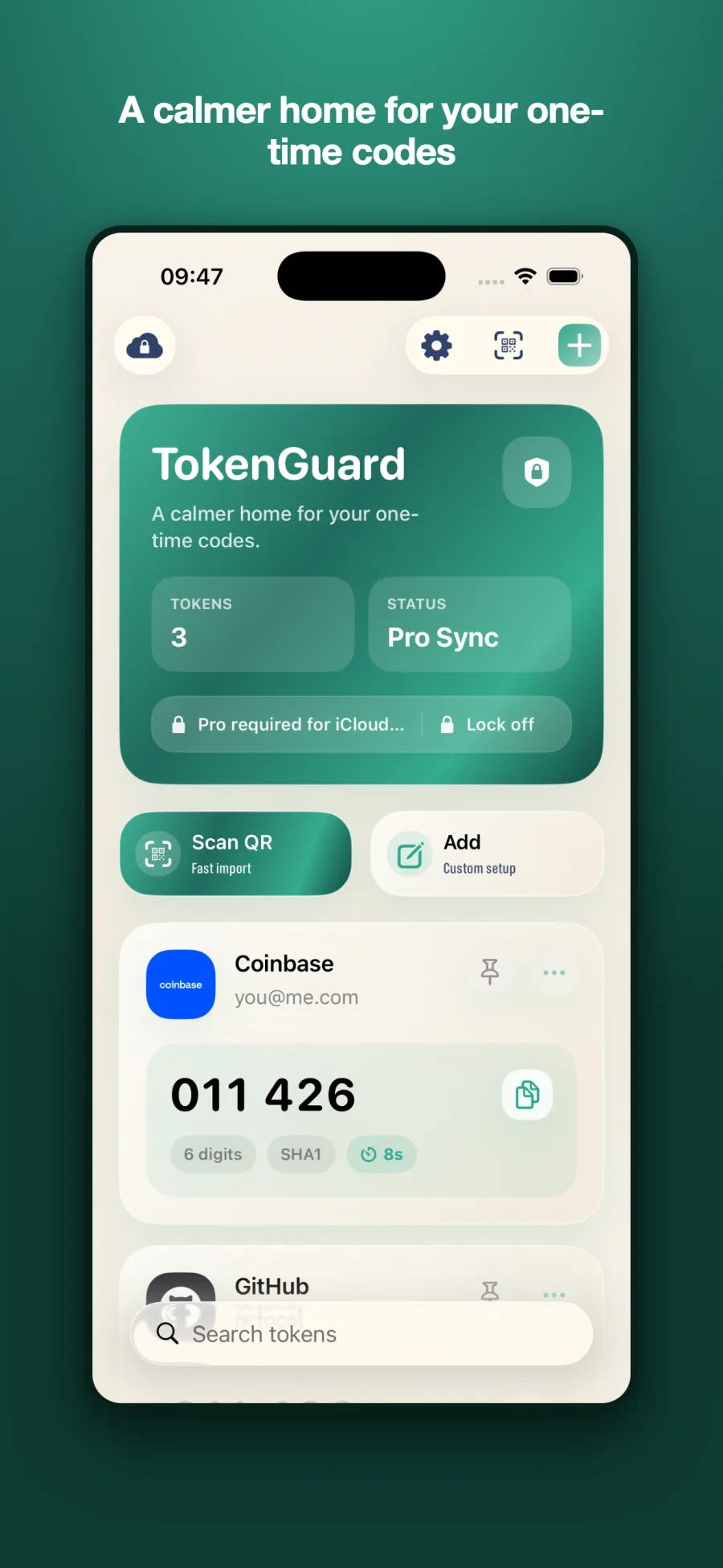
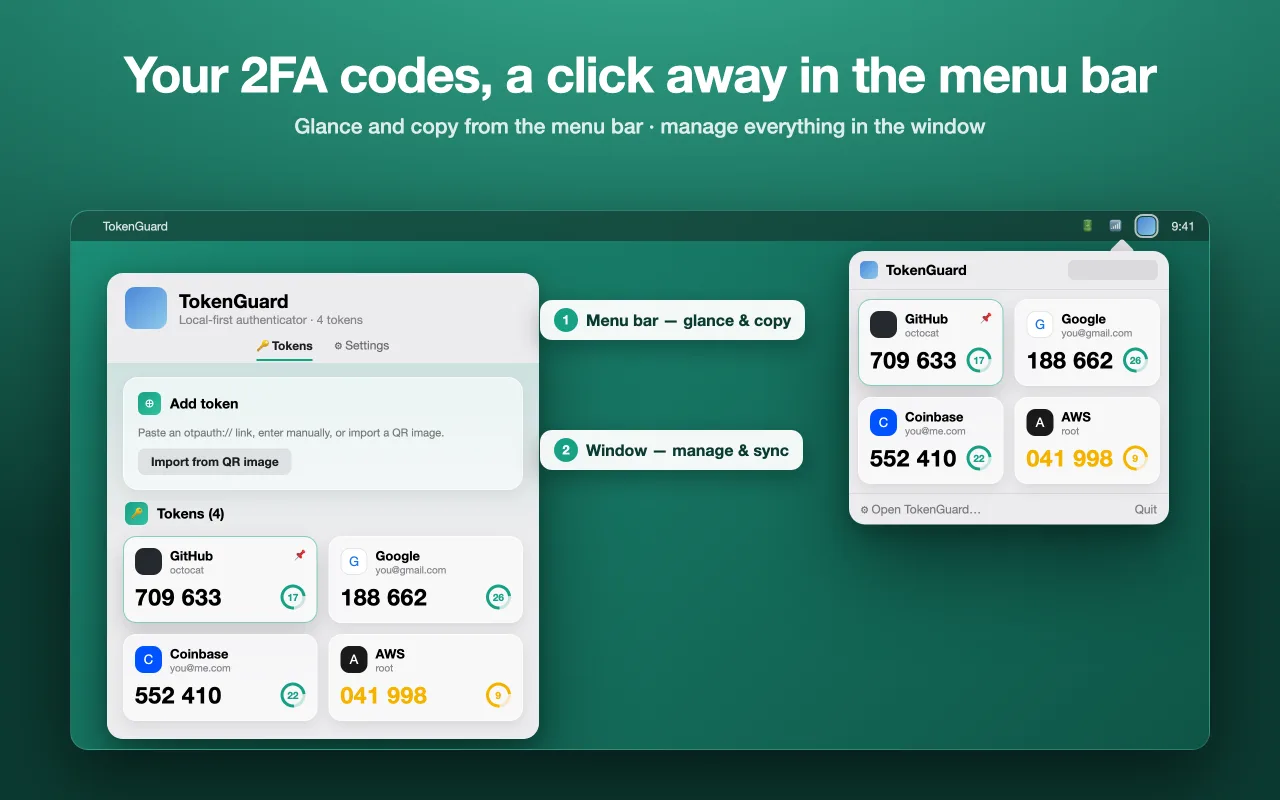
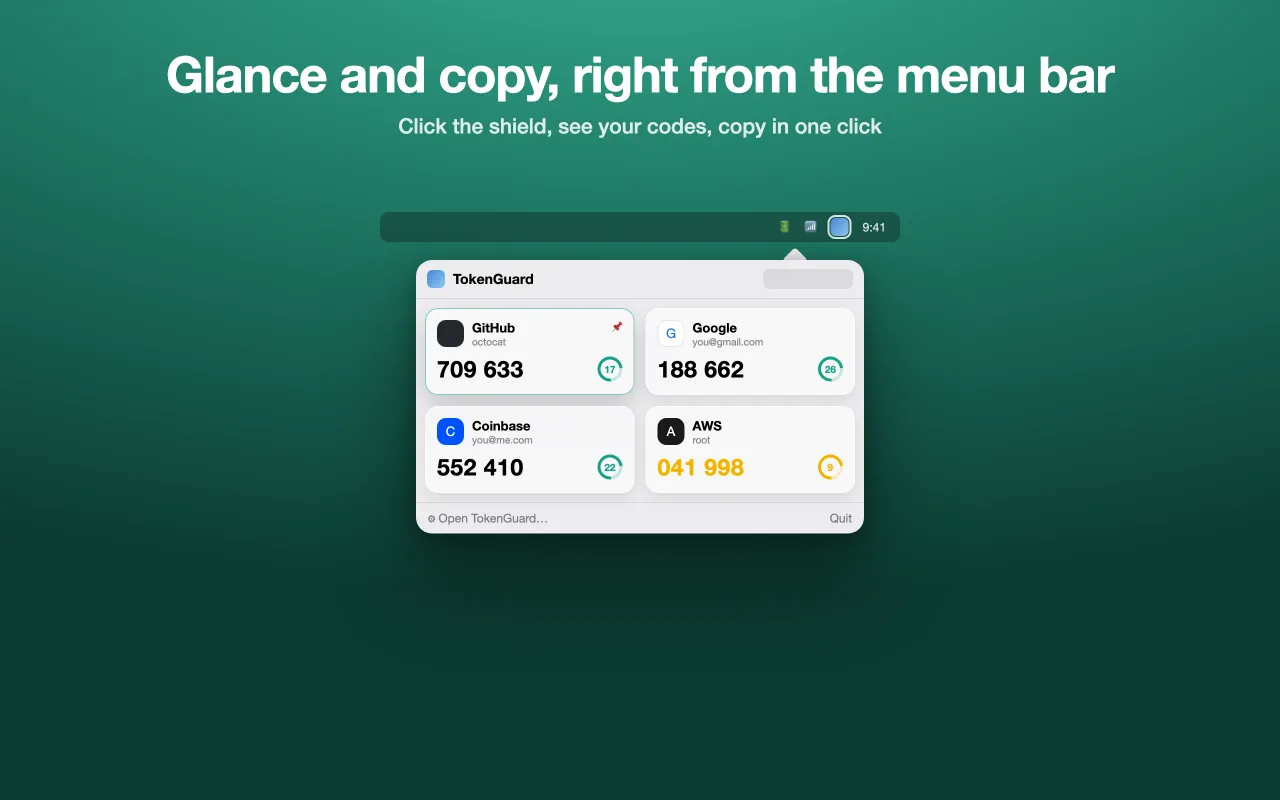
TokenGuard derives TOTP codes on-device and refreshes them on the standard countdown. Copy with one tap.
Turn on the app lock, hide app previews, and export an encrypted backup — your tokens are ready for anything.
Big, readable codes with a clear countdown, one-tap copy, and automatic issuer logos for hundreds of services. Light and dark, in your language.
TokenGuard's onboarding walks you through exactly how codes are generated, where secrets live, and what — if anything — ever leaves the device.
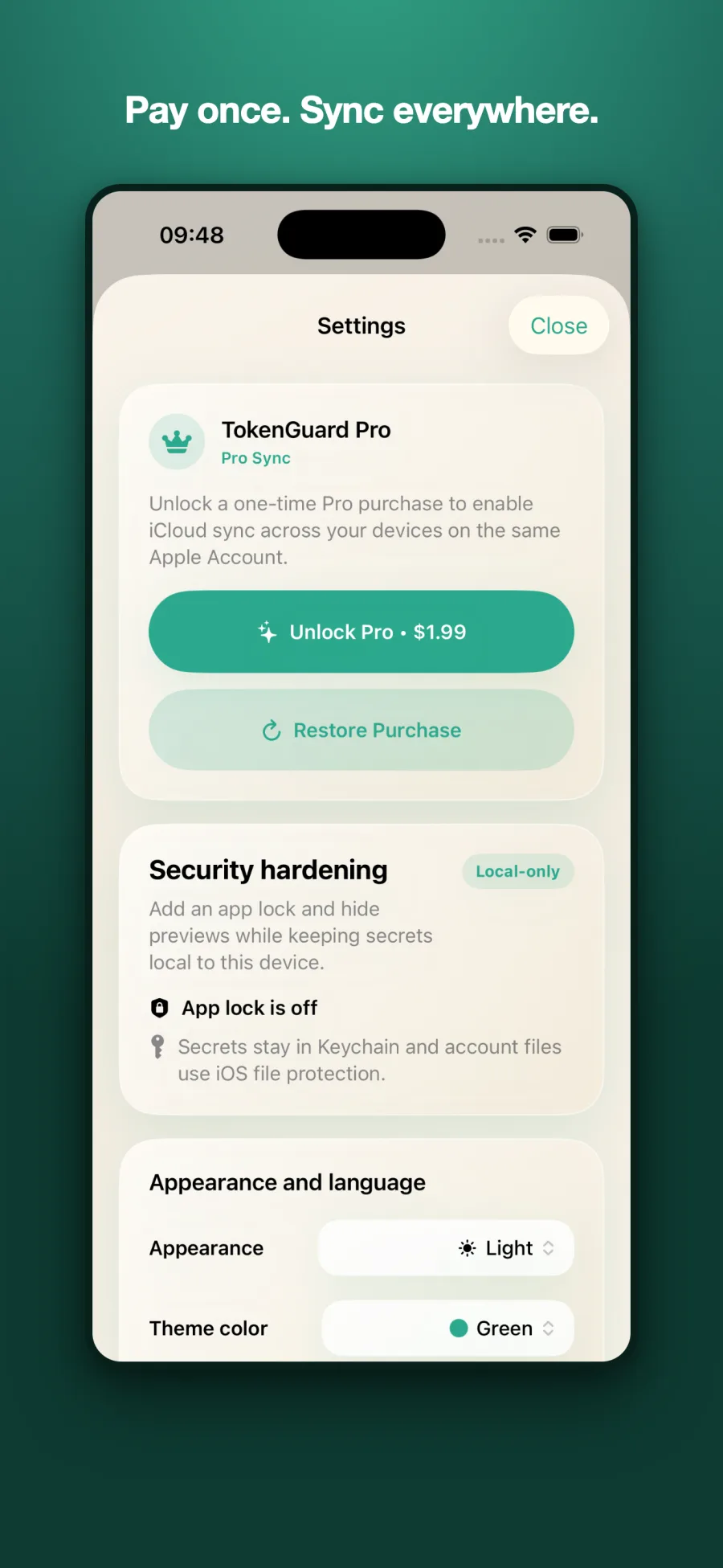
Unlock a single one-time purchase — no subscription — and TokenGuard keeps encrypted token records in your private iCloud database, ready on every device signed in with the same Apple Account.
Scan a setup QR code and feel how calm two-factor authentication can be.